Bug Fixes
Increased one-time passcode attempts
There was an issue with one-time passcodes (OTP) that prevented users from signing in to the MANTL Console after one failed attempt. You now have up to three failed attempts before the system locks your account for an hour.
Canceled applications now route correctly in self-serve
Applicants using the handoff link for canceled Consumer Deposit Account Secondary Owner (CDASO) applications were being routed incorrectly to a loading page with no resolution. Applicants are now correctly routed to a page that makes it clear that they cannot continue with the application.
Fixed Business Update Persons applications redirect
Resolved an issue where some newly created Business Update Persons (BUP) applications automatically routed back to the business profile page or displayed an internal server error message. 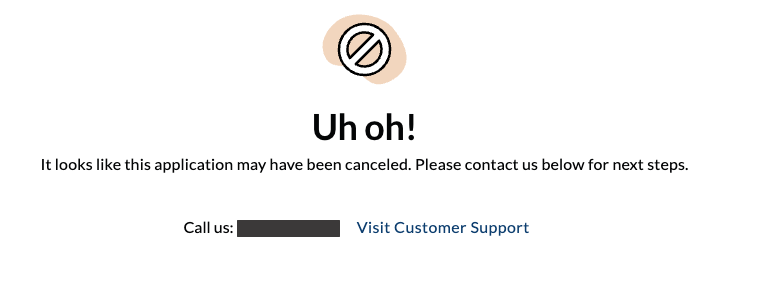
Enhancements
Added support for non-profit entities
You can now configure MANTL for non-profit entities and require non-profit-specific documents for verification through Alloy.
When you select Non-Profit as the business type on the new business application, ownership percentage questions are automatically removed from the application to complement non-profit business operations.
Added Maturity Date to CD applications
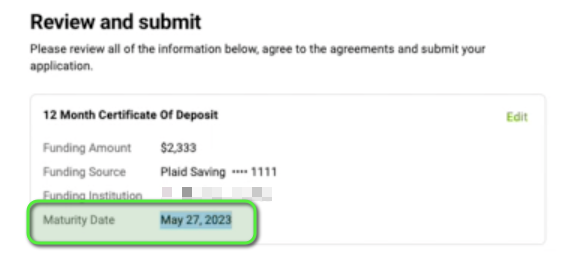
CD applications now display the account maturity date on the Self-Serve Review and Sign page.
Added customization support for acceptTermsAndDisclosures attestation
Financial institutions can now customize the body copy of the acceptTermsAndDisclosures attestation. To update this attestation, contact support@mantl.com.
Improved Marketing Analytics Dashboard
The Marketing Analytics dashboard has been reorganized with Conversion Metrics starting at the top. These metrics are followed by the New Customer Application Funnel and Marketing Overview tables.
Additionally, the Marketing Overview tables now include headers for user counts, session counts, and Average Qualifile Score to measure the quantity and quality of traffic to MANTL. Financial Institutions can also now visualize traffic data using these parameters:
- Channel
- Campaign
- Source/Medium
- Promo Code
Enforced sequential attestation agreements
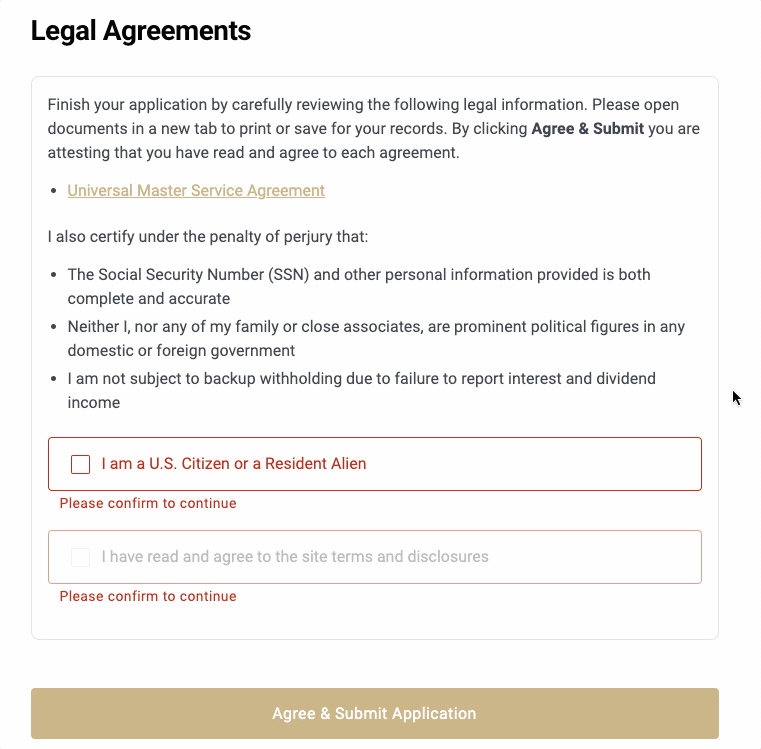
Previously, applicants were able to agree to attestations on the Review and Sign page in no specific order. Applicants will now have to agree to attestations in the order presented before submitting their application in compliance with federal regulations.
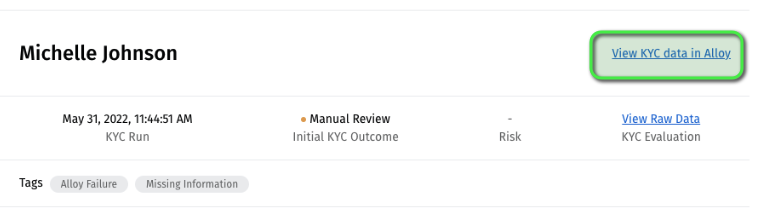
Added link to view KYC data in Alloy
Console users can now use a direct link on the Manual Review sidesheet to view the KYC evaluation in Alloy for applications that return with a Manual Review Required status.
Added clickable Product Disclosure reference numbers
You can now view relevant product disclosures for each card by clicking the reference number in the product description. This makes it easier to know exactly what you’re getting from the product offering and any applicable disclosures associated with it.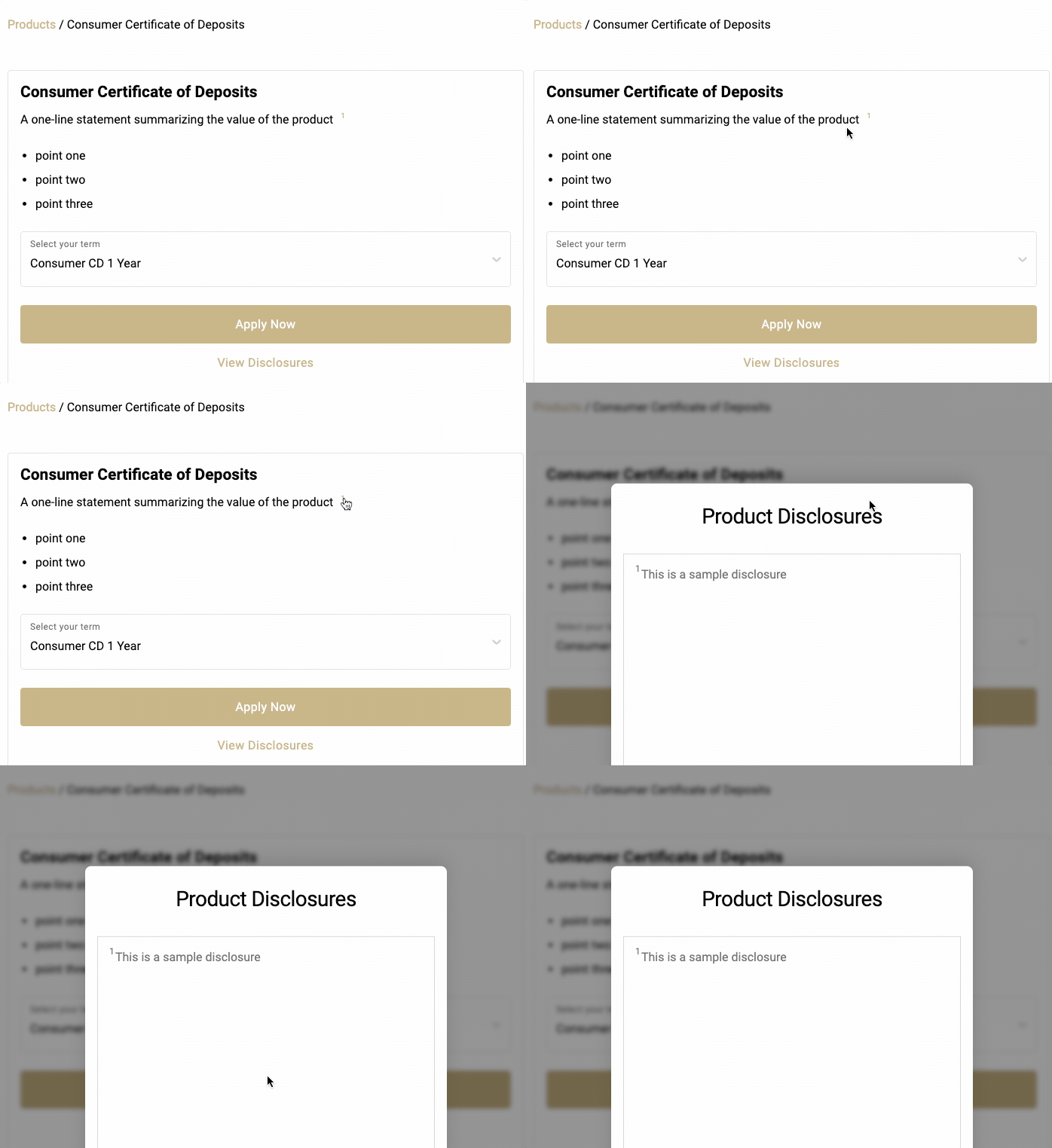
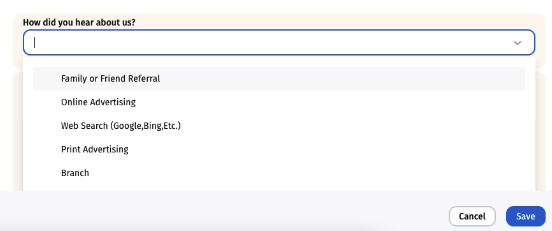
Referral Source field added to application workflows
Financial institutions can now add an optional field for users to select a referral source and answer the question, “How did you hear about us?” in both Console and self-serve applications. To enable this field, contact support@mantl.com..
New restricted special characters
Ampersands (&) are now restricted in application First Name and Last Name fields.
Plaid balances now hidden after 15 minutes
Previously, balances could be outdated from the Plaid integration due to a caching issue in Plaid’s system. MANTL now hides Plaid balances after 15 minutes if an applicant leaves and returns to their application.
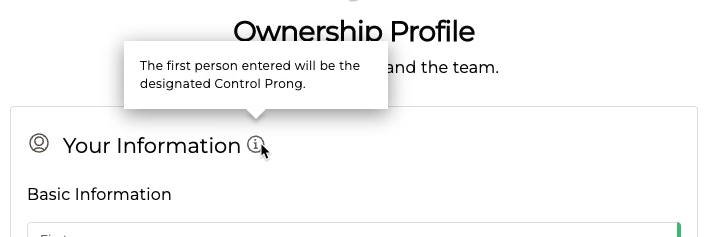
New Control Prong tooltip
Business applications in the MANTL self-serve experience now show a tooltip for the Your Information field, indicating that the first person entered is designated as the Control Prong.